
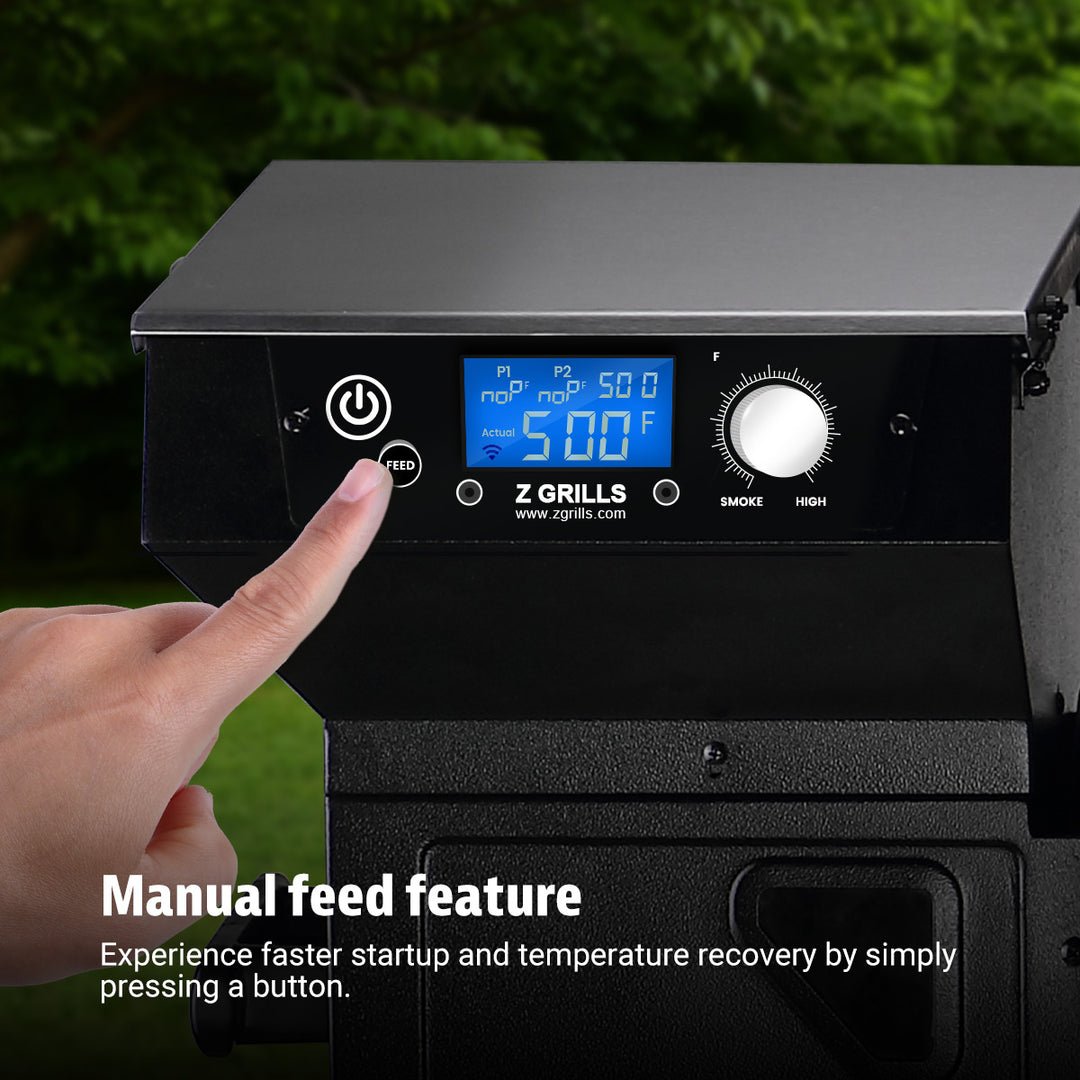
Imagine having total control over your grill right in the palm of your hand. With a digital portable grill controller, you can cook your favorite meals to perfection without standing over the heat or constantly checking the temperature.
If you want to make grilling easier, more precise, and more enjoyable, this tool is exactly what you need. You’ll learn how to use a digital portable grill controller step-by-step, so you can impress your family and friends with perfectly cooked food every time.
Ready to take your grilling game to the next level? Let’s dive in!
Credit: www.zgrills.com
Choosing The Right Digital Portable Grill Controller
Choosing the right digital portable grill controller is important for a great grilling experience. The controller helps manage the grill’s temperature precisely. This makes cooking easier and results tastier. Picking a controller that fits your needs saves time and hassle. Consider different types, features, and grill compatibility before buying.
Types Of Controllers
Several types of digital portable grill controllers exist. Some are simple temperature probes with a display. Others have smart features like Bluetooth or Wi-Fi. These let you control the grill from your phone. Some models include alarms that notify you when food is ready. Choose a type that matches your grilling style and tech comfort level.
Key Features To Consider
- Temperature range: Should cover low to high heat settings.
- Display: Easy-to-read screens help monitor temperature clearly.
- Connectivity: Bluetooth or Wi-Fi allows remote control.
- Alarms and timers: Alerts prevent overcooking or burning.
- Number of probes: More probes help track different foods at once.
- Battery life: Longer battery life means less charging during use.
Compatibility With Grills
Not all controllers work with every grill. Check if the controller fits your grill’s make and model. Some controllers are universal, while others are brand-specific. Confirm the probe types match the grill’s ports. Using a compatible controller ensures accurate temperature control and safety. This avoids connection problems and poor cooking results.
Setting Up Your Grill Controller
Setting up your digital portable grill controller is the key to achieving precise temperature control and flawless grilling results. This process might seem technical, but it’s straightforward once you get familiar with the parts and connections. Taking time here saves you from guesswork during your cookouts.
Initial Installation Steps
Start by unpacking your grill controller and checking that all necessary components are included. This usually consists of the controller unit, temperature probes, mounting brackets, and cables. Make sure your grill is clean and cool before attaching any devices.
Next, follow the manufacturer’s instructions to mount the controller in a stable, accessible spot near your grill. Use the provided screws or adhesive pads to secure it firmly. Avoid placing it too close to direct heat or moisture sources to protect the electronics.
Connecting To Your Grill
Attach the temperature probes to the grill’s cooking area where you want to monitor the heat. Insert the probes through any designated ports or lift the grill grate carefully to position them directly in the meat or cooking surface. The controller usually has labeled ports—match each probe to its correct connection point.
Double-check that all cables are snug and not twisted. A loose connection can cause inaccurate readings or disrupt the controller’s function. If your grill has a fan or motor for airflow control, connect these components to the controller as well, following the wiring diagram.
Power And Battery Options
Your grill controller may operate on batteries, a rechargeable unit, or direct power from an outlet. Decide where you want to place the controller and choose the power option that best fits your setup. Battery-powered models offer portability, but keep spare batteries handy to avoid interruptions.
If your controller supports USB charging or has a built-in rechargeable battery, charge it fully before your first use. Some models include power-saving modes—activate these to extend battery life during long grilling sessions. Have you considered how power availability might affect your grill location?
Operating The Controller
Operating the digital portable grill controller is simple and intuitive. This device helps you control your grill’s temperature and cooking process with ease. Understanding how to use the main features enhances your grilling experience and ensures delicious results every time.
Adjusting Temperature Settings
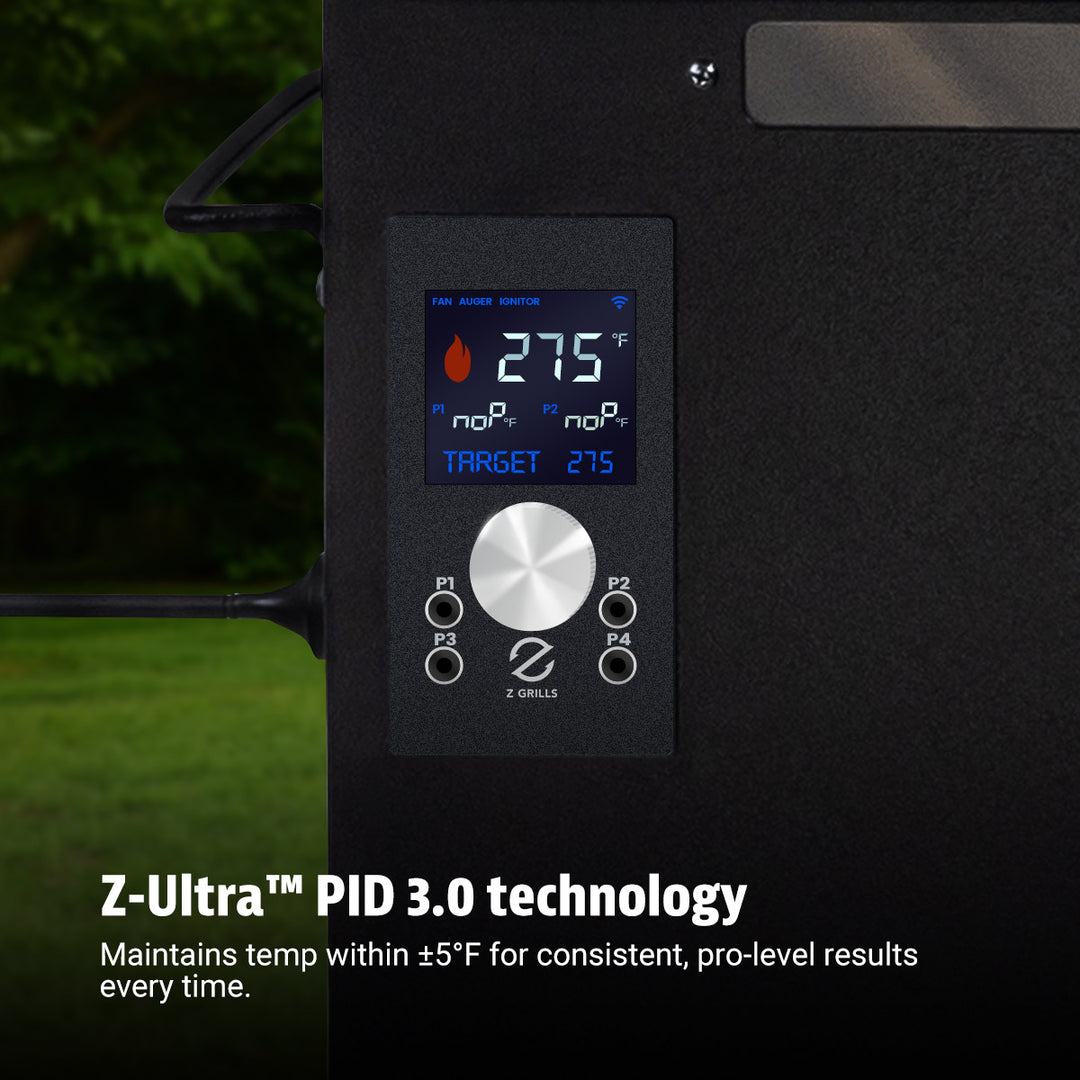
Use the controller’s buttons or touchscreen to set the desired temperature. The display shows the current grill temperature clearly. Increase or decrease the heat in small steps for precise control. The controller maintains the set temperature automatically, so food cooks evenly. This feature prevents undercooking or burning your meals.
Using Preset Cooking Modes
The controller offers preset cooking modes for common foods like chicken, steak, or fish. Select the mode that matches your recipe. Each preset adjusts the temperature and cooking time automatically. This saves time and guesswork, especially for beginners. You can also customize presets to fit your personal taste.
Monitoring Grill Status
The controller constantly shows the grill’s status on the screen. It displays current temperature, remaining cooking time, and alerts. You can check if the grill is heating up or cooling down. Alerts warn you about temperature changes or when the cooking is complete. This helps you stay informed and manage your grill remotely.

Credit: www.amazon.ca
Advanced Features And Tips
Explore how to adjust temperature settings precisely using the digital portable grill controller. Discover tips for monitoring cooking time and managing multiple grills efficiently. These features help ensure perfectly cooked meals every time.
Mastering the art of grilling is no longer limited to just turning the knobs and adjusting the vents. With digital portable grill controllers, you can enjoy a seamless and precise grilling experience. These gadgets come with an array of advanced features that not only make grilling easier but also more enjoyable. Let’s dive into some of these features and tips for using them effectively.Remote Control Via Smartphone
Imagine sitting comfortably in your backyard while adjusting your grill’s settings from your smartphone. Many digital grill controllers offer Bluetooth or Wi-Fi connectivity, allowing you to control temperature and cooking time without hovering over the grill. This feature is perfect for multitasking during a barbecue party. Download the companion app and pair it with your device. Check if your grill supports remote control and explore the different options available. This not only adds convenience but also keeps you more engaged in the social aspects of a cookout.Customizing Cooking Profiles
One of the standout features is the ability to customize cooking profiles. You can create and save specific settings for different types of meat or dishes. This means you can have a preset for your juicy steak, another for tender chicken, and so forth. Experiment with different temperatures and cooking durations to achieve the perfect texture and flavor. Save these settings to your profile, so next time you grill, it’s as simple as pressing a button. This reduces the guesswork and enhances consistency, making you the grill master of your gatherings.Alerts And Notifications
Nobody wants to miss the perfect moment to take their food off the grill. With digital grill controllers, you can set alerts and notifications to keep track of your cooking. These alerts can notify you when your grill reaches the desired temperature or when it’s time to flip your burgers. Enable these notifications in the app settings. They can be a lifesaver, especially when you’re caught up in conversation or preparing other dishes. This ensures your meals are cooked to perfection and helps you avoid the disappointment of overcooked or undercooked food. By embracing these advanced features, you can transform your grilling experience, making it more efficient and enjoyable. Which feature do you think will be your game-changer at the next barbecue?Maintenance And Troubleshooting
Keeping your digital portable grill controller in top shape ensures it delivers consistent performance every time you fire up the grill. Maintenance and troubleshooting don’t have to be complicated or time-consuming. A little attention can save you from frustration and extend the life of your device.
Regular Cleaning Tips
Dust, grease, and food particles can build up on your grill controller, affecting its responsiveness and accuracy. Wipe the exterior gently with a damp cloth and mild soap—avoid harsh chemicals that could damage the screen or buttons.
Make sure to clean the sensor area carefully. If your controller has detachable parts, remove and clean them regularly to prevent buildup. Keeping vents clear also helps avoid overheating and maintains smooth operation.
Common Issues And Fixes
Have you noticed your grill controller not responding or showing erratic temperature readings? This usually points to sensor misalignment or a loose connection. Check all cable connections and tighten them if needed.
If the device freezes, a simple restart often does the trick. For persistent problems, recalibrating the temperature sensors can restore accuracy. Don’t ignore error messages—consult the manual or the manufacturer’s website to understand what they mean and how to resolve them.
Software Updates
Digital controllers rely on software to function smoothly and add new features. Ignoring updates can cause bugs or compatibility issues with your grill. Check the manufacturer’s app or website regularly to download the latest firmware.
Updating the software can improve temperature control and introduce helpful tools. Have you ever delayed an update only to find your controller acting strangely afterward? Staying current prevents those headaches and keeps your grilling experience seamless.

Credit: www.amazon.ca
Maximizing Your Grilling Experience
Maximizing your grilling experience with a digital portable grill controller transforms simple cooking into precise art. This device controls temperature and timing, ensuring your food cooks perfectly every time. Knowing how to use it with the right accessories and safety measures makes grilling easier and more enjoyable.
Pairing With Accessories
Pairing your grill controller with useful accessories improves control and results. Use wireless meat probes to monitor temperature without opening the grill. Connect a Bluetooth or Wi-Fi module to control the grill remotely. Adding a temperature alarm helps avoid overcooking. Choose accessories designed for your specific grill model for best compatibility.
Tips For Consistent Results
- Preheat the grill before cooking for stable heat.
- Set the desired temperature on the controller accurately.
- Use the meat probe to check internal food temperature.
- Avoid opening the grill lid often to keep heat steady.
- Follow recommended cooking times based on food type and thickness.
- Calibrate the controller regularly for precise temperature control.
Safety Precautions
Always place the grill on a stable, flat surface to prevent tipping. Keep the grill away from flammable materials and structures. Use heat-resistant gloves when handling hot parts or adjusting the controller. Never leave the grill unattended during use. Ensure cables and probes are intact and free from damage. Disconnect the controller and accessories after grilling to avoid electrical hazards.
Frequently Asked Questions
What Is A Digital Portable Grill Controller?
A digital portable grill controller precisely regulates grill temperature. It connects to your grill, ensuring consistent heat for perfect cooking. This device enhances grilling accuracy and convenience, especially for outdoor cooking enthusiasts.
How Do I Connect A Digital Grill Controller?
To connect, attach the probe to the grill and plug it into the controller. Power on the device, then set your desired temperature using the controls or app if available.
Can I Use The Controller With Any Grill Type?
Most digital portable grill controllers work with charcoal, gas, or pellet grills. Check compatibility with your grill model before purchase to ensure optimal performance and connection.
How Does The Controller Improve Grilling Results?
The controller maintains steady temperatures by adjusting heat automatically. This prevents overcooking or undercooking, resulting in evenly cooked, flavorful meals every time you grill.
Conclusion
Using a digital portable grill controller makes cooking easier and more precise. It helps keep the temperature steady for perfect grilling. You can spend less time watching the grill and more time enjoying with friends. Simple steps guide you through setting and adjusting the device.
This tool suits both beginners and experienced cooks. Try it on your next barbecue for better results. Enjoy tasty meals without stress or guesswork. Give your grilling a small tech boost today.

