
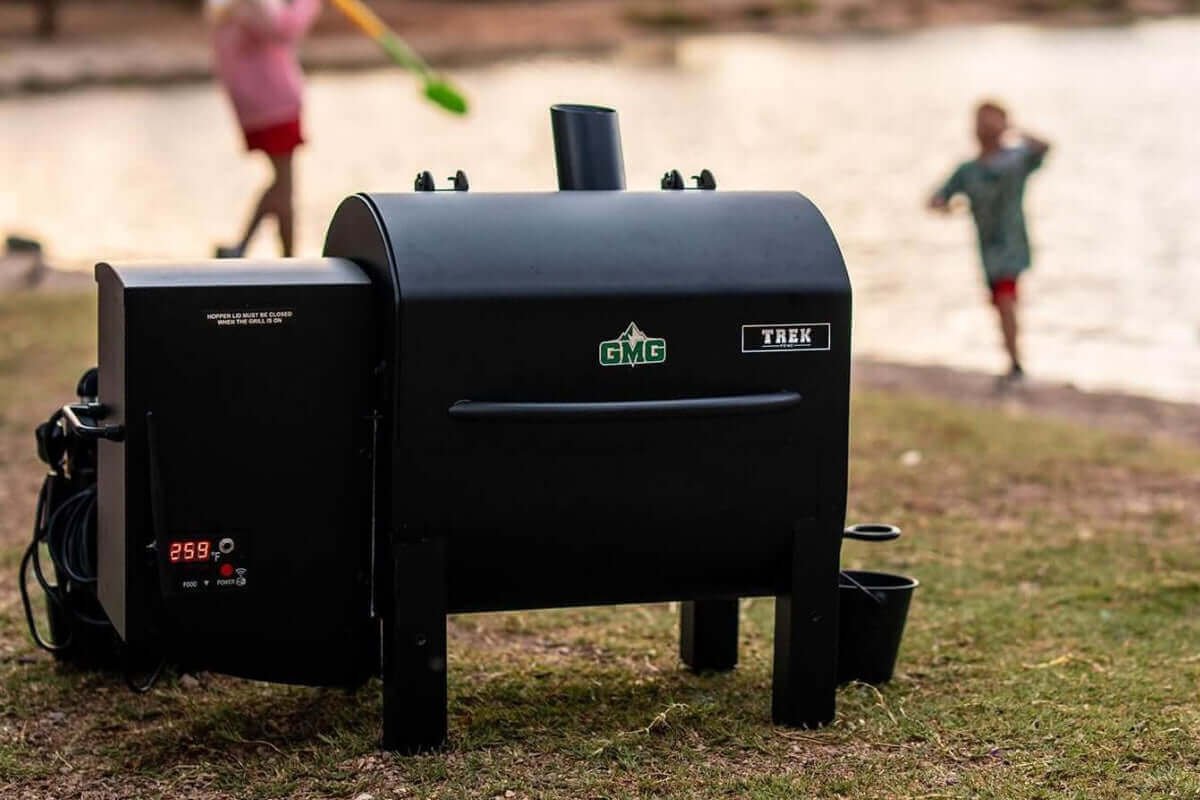
Imagine having total control over your pellet grill right from your phone. No more guessing if your food is cooking perfectly or rushing back outside to check the temperature.
With a Bluetooth app for your pellet grill, you can monitor and adjust settings with ease, making every cookout smoother and more enjoyable. If you want to grill like a pro without standing by the grill all day, keep reading.
This guide will show you exactly how to use a Bluetooth app to take your grilling game to the next level.
Setting Up Your Bluetooth Pellet Grill
Setting up your Bluetooth pellet grill is simple and fast. This process lets you control your grill from your phone for perfect cooking. Follow these steps to connect and configure your device properly.
Pairing Your Device
Turn on your pellet grill and enable Bluetooth on your phone. Open your phone’s Bluetooth settings and look for the grill’s name. Select it to pair your device. Wait for the confirmation message. This step creates a secure connection between your phone and grill.
Downloading The App
Find the official app in your phone’s app store. The app is usually free and easy to download. Install it and open the app. Some apps ask for permissions to work correctly. Allow these to enable full control of your grill.
Initial Grill Configuration
Open the app and connect to your grill using the paired device. Set your preferred temperature units, such as Celsius or Fahrenheit. Adjust grill settings like smoke level and timers. Save your preferences to start grilling with ease.
Credit: www.zgrills.com
Navigating The Bluetooth App Interface
Using a Bluetooth app for your pellet grill brings convenience right to your fingertips. But first, you need to get comfortable with the app’s interface. Understanding where to find key features and how to control them makes your grilling experience smoother and more enjoyable.
Main Dashboard Features
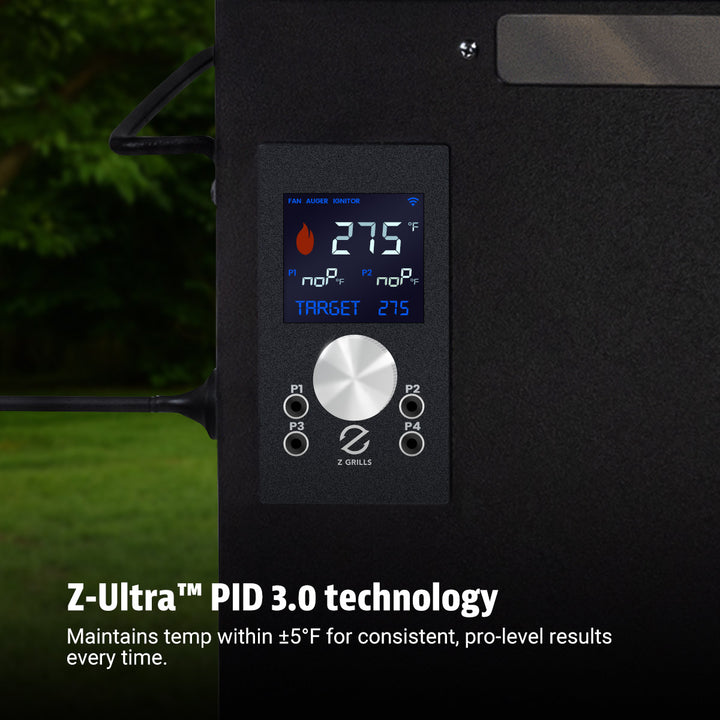
The main dashboard is your control center. It shows the current grill temperature prominently, so you always know how hot your grill is running. You’ll also find quick access buttons to start, pause, or stop the grill.
Many apps display the pellet hopper level here, helping you avoid running out mid-cook. Some even show weather updates or grill status notifications. How often do you check your grill’s status without leaving your chair?
Temperature Controls
Temperature controls let you set and adjust your cooking heat precisely. Use sliders or buttons to increase or decrease the temperature in small steps. This precision helps you cook different foods perfectly, whether you’re slow-smoking ribs or searing steaks.
Look for preset modes or custom profiles in the app. These settings save your favorite temperatures and cooking styles. Have you tried setting a custom temperature for your favorite recipe yet?
Timer And Alerts
The timer function helps you track cooking durations without guesswork. Set it to remind you when it’s time to check your food or add pellets. Alerts can pop up on your phone, so you never miss a crucial moment.
Some apps allow you to customize alert sounds or vibration patterns. This ensures you notice them even in a noisy backyard or kitchen. What’s the longest cook you’ve managed without using a timer?
Mastering Temperature Settings
Controlling temperature is vital for great pellet grill results. The Bluetooth app offers precise control over temperature settings. This control helps cook food evenly and to the right doneness. Understanding how to use these features improves your grilling experience.
Setting Target Temperatures
Start by selecting the desired cooking temperature in the app. The app sends this target to the grill automatically. This feature keeps your grill steady at the chosen heat. You can easily change the temperature during cooking without opening the grill.
Adjusting Heat Zones
Some pellet grills support multiple heat zones. The app lets you control each zone separately. Set different temperatures for each zone to cook various foods at once. This flexibility allows grilling meat, vegetables, and more simultaneously.
Monitoring Real-time Data
The app shows live temperature readings from inside the grill. You see how close the grill is to the target temperature. This real-time data helps avoid overcooking or undercooking. You can also track food temperature with probes connected to the grill.
Credit: www.zgrills.com
Using Advanced App Features
Using a Bluetooth app for your pellet grill can elevate your grilling game to a whole new level. By tapping into advanced features, you gain precise control and flexibility, making your grilling experience both efficient and enjoyable. Whether you are a seasoned grill master or a weekend enthusiast, these features can make a significant difference.
Smoke Level Adjustment
Adjusting the smoke level through your app allows you to infuse your dishes with the perfect smoky flavor. You can easily tweak the smoke intensity to match your preference, enhancing the taste of your meats and vegetables. Imagine having a smoky brisket with just the right amount of flavor—all controlled from your phone.
Preset Cooking Programs
The app’s preset cooking programs are a game-changer. They offer a variety of settings for different types of foods, ensuring perfect results every time. With just a tap, you can select a program for ribs, chicken, or fish, and let the grill handle the rest.
Firmware Updates
Keeping your grill’s firmware updated is crucial for optimal performance. The app notifies you when updates are available, ensuring your grill operates with the latest features and improvements. Have you ever thought about how easy it is to update your grill just like your phone?
By mastering these advanced app features, you can turn every grilling session into a culinary success. What new flavor combinations will you experiment with next?
Troubleshooting Connectivity Issues
Connectivity issues with your Bluetooth app for a pellet grill can be frustrating, especially when you’re ready to start cooking. Troubleshooting these problems quickly helps you stay in control without missing a beat. Understanding common connection problems and knowing how to reset your Bluetooth settings can save you time and stress.
Common Connection Problems
One frequent issue is the app failing to detect the grill. This often happens if your phone’s Bluetooth is off or the grill is out of range. Another problem is intermittent connection drops, which may be caused by interference from other devices or physical obstacles like walls.
Sometimes, the app might show an error message or freeze during use. This could be due to outdated app versions or a need to restart the device. Have you noticed your phone connecting to other Bluetooth devices but not the grill? That’s a key clue to where the problem lies.
Resetting Bluetooth Settings
Resetting Bluetooth settings can clear up many connectivity glitches. Start by turning off Bluetooth on your phone, then turning it back on after a few seconds. If that doesn’t work, try forgetting the pellet grill from your Bluetooth devices list and reconnecting it fresh.
Another effective step is restarting both your phone and the pellet grill. This simple action refreshes their internal systems and often resolves hidden conflicts. Remember to check for updates on the app and your phone’s operating system, as outdated software can cause persistent issues.
When To Contact Support
If you’ve tried basic fixes and still can’t connect, it’s time to reach out for help. Technical support can guide you through advanced troubleshooting or identify hardware problems. Don’t hesitate to provide them with details about your phone model, app version, and the exact issue you face.
Consider support if your grill’s Bluetooth module might be malfunctioning or if the app crashes regularly despite updates. Your patience and detailed feedback can speed up finding a solution. What’s your experience with tech support for grill connectivity? Sharing it might help others too.
Maximizing Grill Performance With The App
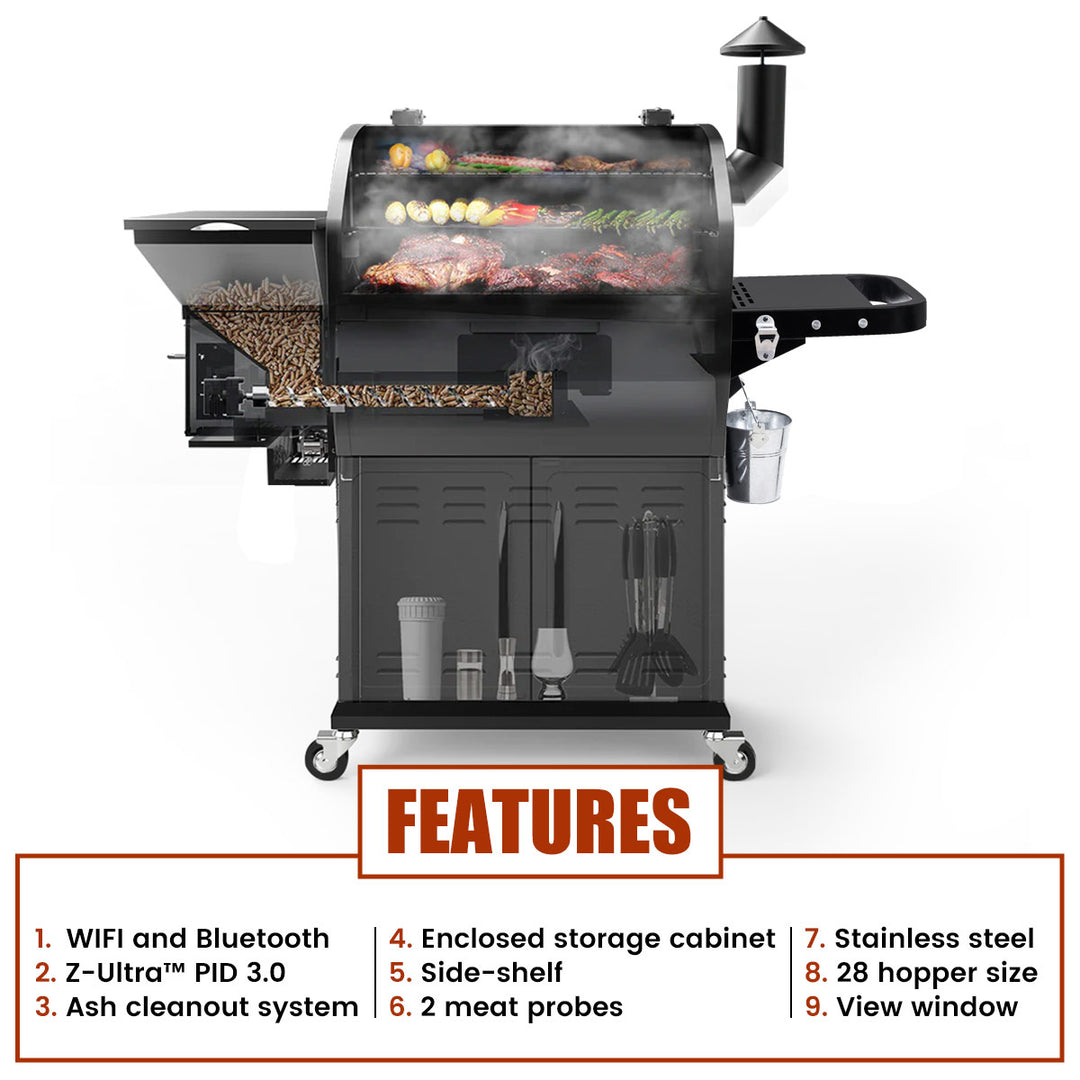
Using the Bluetooth app for your pellet grill helps you get the best results every time. It gives you control over temperature and cooking time right from your phone. This makes grilling easier and more precise. You can save pellets, set schedules, and check your food without standing by the grill.
Optimizing Pellet Usage
The app helps use pellets efficiently to avoid waste. It shows how much fuel is left and alerts you when pellets run low. You can adjust temperature settings to use pellets slowly. This saves money and keeps the fire steady for even cooking.
Scheduling Cook Times
Set cooking times in the app to fit your schedule. Plan ahead to start the grill before you arrive. The app lets you choose exact start and stop times. This keeps food ready at the right moment without constant attention.
Remote Monitoring Tips
Check your grill’s status from anywhere using the app. Watch temperature changes and get alerts if it drops or rises too much. This helps avoid overcooked or undercooked food. Use the app to make quick adjustments without going outside.
Credit: www.zgrills.com
Frequently Asked Questions
How Do I Connect The Bluetooth App To My Pellet Grill?
Open the Bluetooth app on your phone. Turn on your pellet grill’s Bluetooth. Select the grill from the app’s device list. Follow on-screen prompts to complete pairing. Ensure your phone’s Bluetooth is enabled and within range for a stable connection.
What Features Does The Bluetooth App Offer For Pellet Grills?
The app allows temperature monitoring, grill control, and cooking alerts. You can adjust settings remotely and track cook progress. Some apps include recipe guides and timer functions. It enhances convenience and precision when grilling with your pellet grill.
Can I Control Multiple Pellet Grills With One App?
Yes, many Bluetooth apps support multiple grill connections. You can switch between grills and monitor each separately. This feature is ideal for users with more than one pellet grill. Check your app’s specifications for multi-grill support details.
How Do I Troubleshoot Bluetooth App Connection Issues?
Restart your phone and pellet grill to refresh connections. Ensure Bluetooth is enabled and devices are in range. Update the app and grill firmware for compatibility. If problems persist, consult the grill’s manual or customer support for help.
Conclusion
Using a Bluetooth app makes grilling easier and more fun. You can control temperature without standing by the grill. The app helps you cook food perfectly every time. It saves time and reduces guesswork. Just connect your phone and start grilling with confidence.
Enjoy tasty meals with less hassle. Try the app and see the difference today. Simple tools can improve your cooking experience. Keep experimenting and enjoy great grilled flavors.

